Best Free Image Compressors That Don't Upload Your Files (2026)
Compare TinyPNG, Squoosh, Compressor.io, and BulkPicTools by privacy, not just compression ratio — find out which tools never send your photos to a server.
Tutorials on bulk image processing, tool chaining workflows, and privacy-first editing — everything runs locally in your browser.

Compare TinyPNG, Squoosh, Compressor.io, and BulkPicTools by privacy, not just compression ratio — find out which tools never send your photos to a server.

Bulk resize Shopify product images to 2048×2048 in your browser — free, no upload, no app. Also covers Amazon white background and Etsy specs.

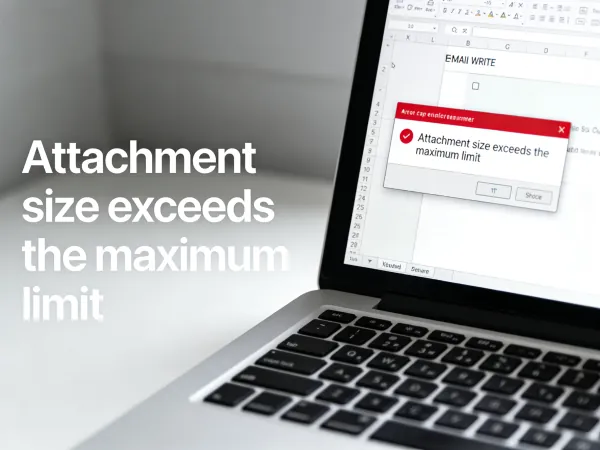
Gmail caps attachments at 25MB. Outlook at 20MB. Corporate mail servers? Often just 2–5MB. Compress photos to 500KB before you send — works in your browser, no software, no upload.

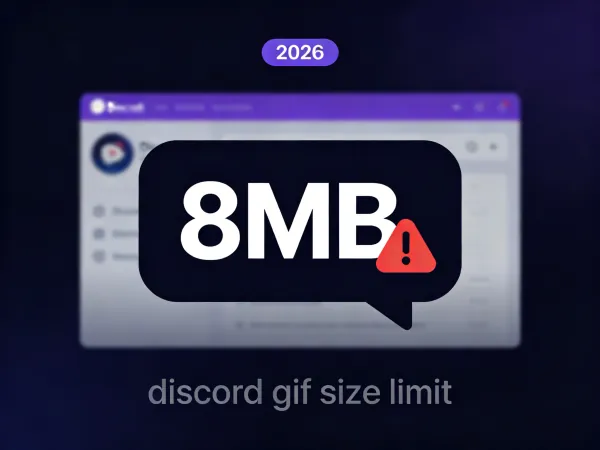
Free users: 8MB upload. Auto-play in chat: 256KB. Nitro: 500MB. Stickers: 512KB. All Discord GIF size limits updated for 2026, plus how to compress fast.

Explore the technical frontier of client-side image manipulation. Learn how BulkPicTools uses WebAssembly and IndexedDB to create high-performance image pipelines without ever touching a server.

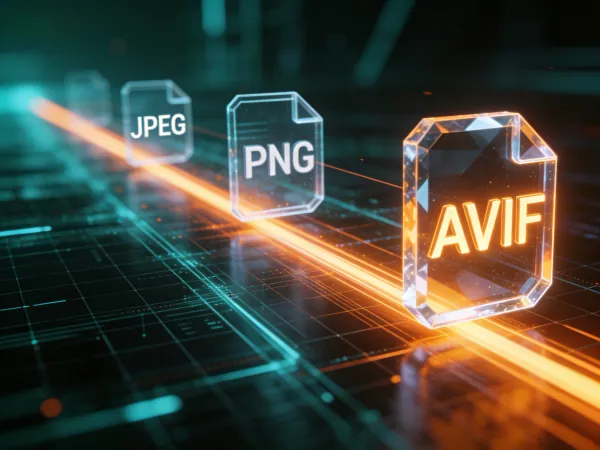
Honestly, using the wrong image format is killing your site speed. Here is how to batch convert to WebP and AVIF locally without losing your mind—or your privacy.

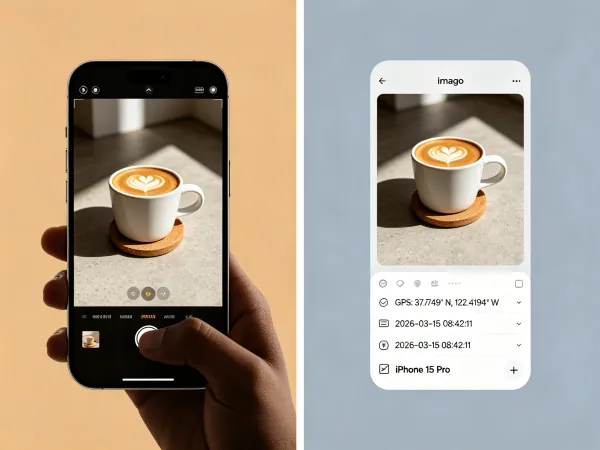
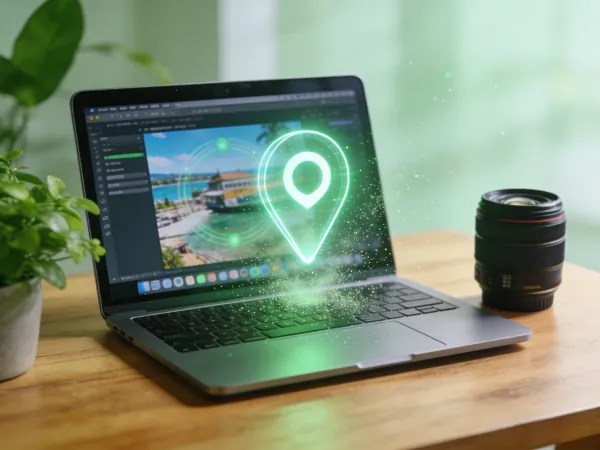
Gmail and Discord don't strip EXIF data — your GPS location travels with every attachment. Find out which platforms remove metadata automatically, how to check your photos, and how to remove it in seconds. No upload needed.

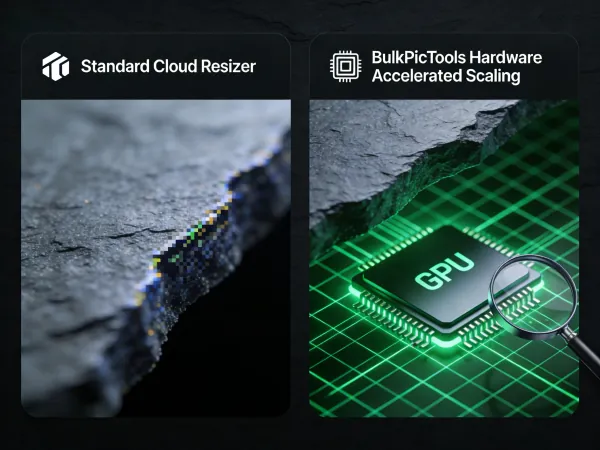
Batch resize 100+ images without quality loss — exact pixel dimensions for Instagram, YouTube, Shopify, print & more. Free, local, no upload needed.

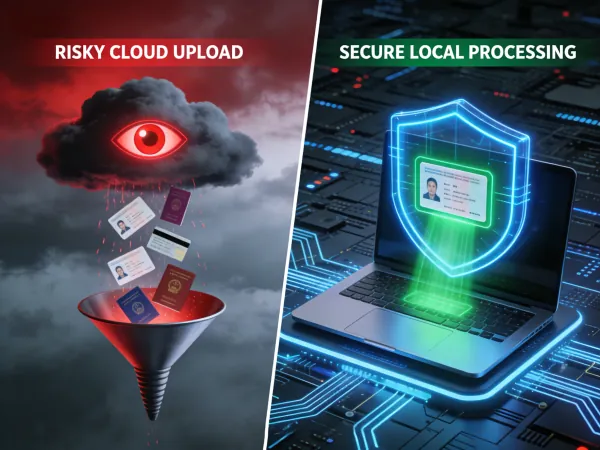
Don't risk your privacy on cloud editors. Learn how to batch rotate, crop, and clean EXIF data from sensitive IDs locally in your browser. 100% secure, zero uploads.

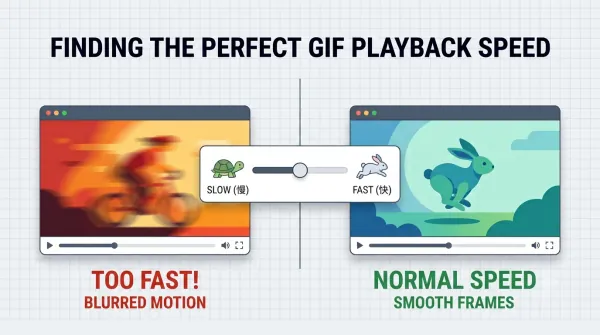
Stop leaking your home location in your social media posts. Learn how to use a local-only pipeline to convert images to GIF and strip private EXIF data instantly.

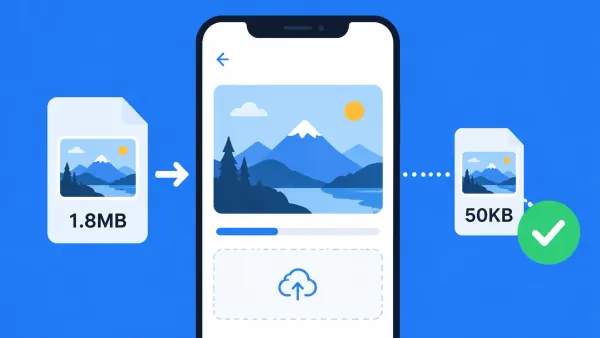
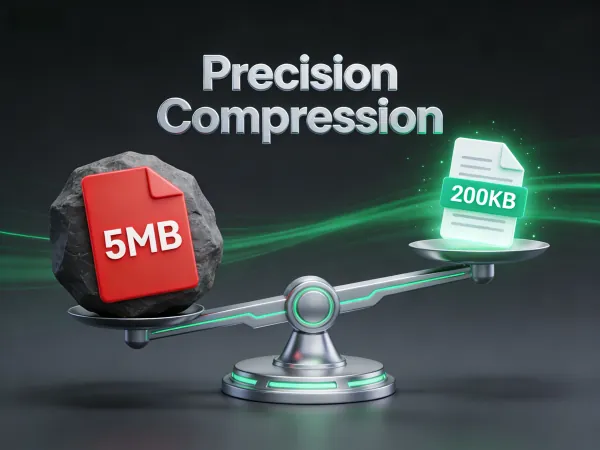
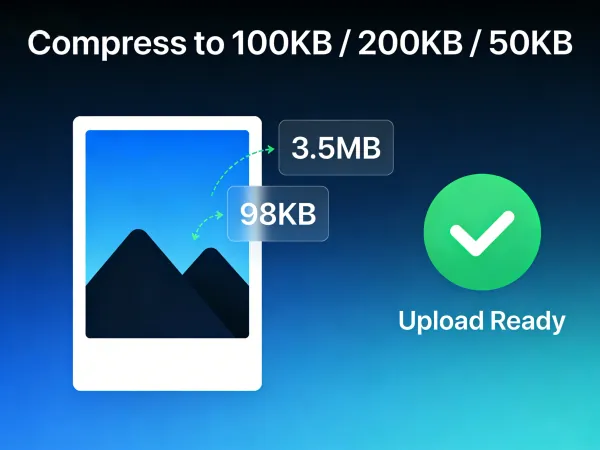
Tired of 'File too large' errors? Learn how to compress JPG to 200KB, 100KB, or 50KB without the blur. Master local bulk compression for passports, resumes, and websites.

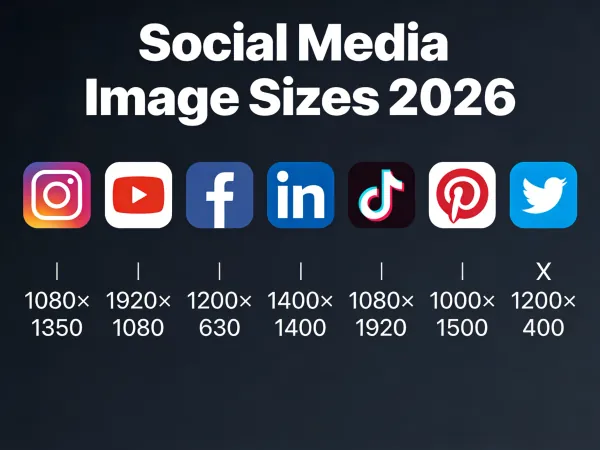
Exact image dimensions for every major platform in 2026 — Instagram, YouTube, Facebook, LinkedIn, TikTok, Pinterest, Twitter/X. Updated specs, safe zones, and file size limits.

I thought building with Nuxt 4 would be easy. I was wrong. Here is the messy truth about PageSpeed scores, Cloudflare deployments, and how I eventually shipped a fast site using some 'dirty' fixes.

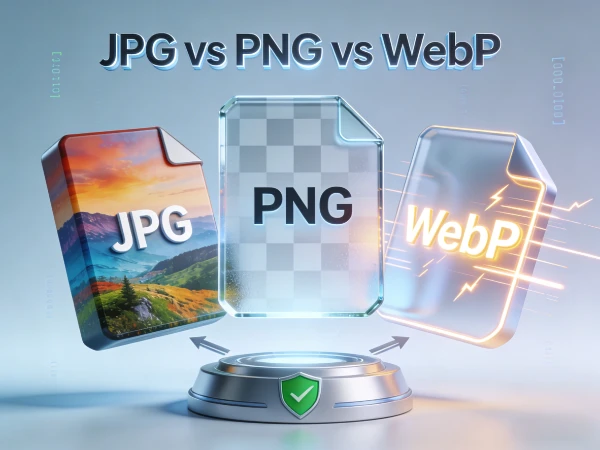
Confused by JPG, PNG, WebP, and AVIF? Learn the differences and finding the best format for web & print. Plus, convert images securely in your browser with our free tool.

US passport = 2×2 inch (51×51mm), white background. UK passport = 35×45mm, light grey background. EU/Schengen = 35×45mm. China = 33×48mm. All 20 countries in one table — crop to exact specs in your browser, no upload.

GIF too big for Discord's 8MB limit? Here's how to compress it in 3 steps — browser-based, no upload, no software. Also covers Discord emoji (256KB) and sticker (512KB) compression.

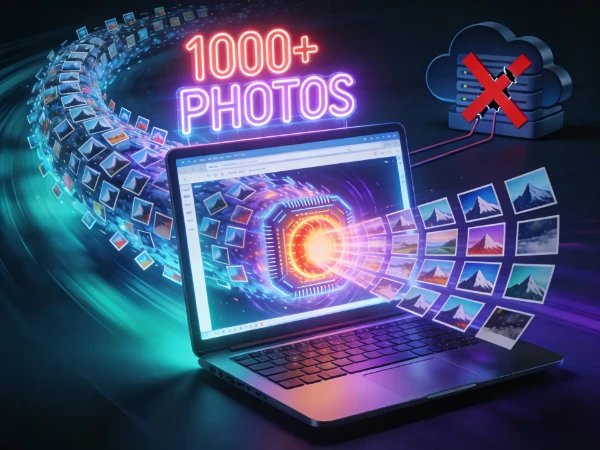
Why limit yourself to 20 photos? Discover why a client-side bulk image editor is faster and safer. Use BulkPicTools to batch resize 1000+ photos instantly in your browser.

Hit any file size limit exactly — compress JPG or PNG to 100KB, 200KB, 50KB or less. No upload, no guessing. Covers DS-160, IRCTC, Aadhaar, email, web & more.

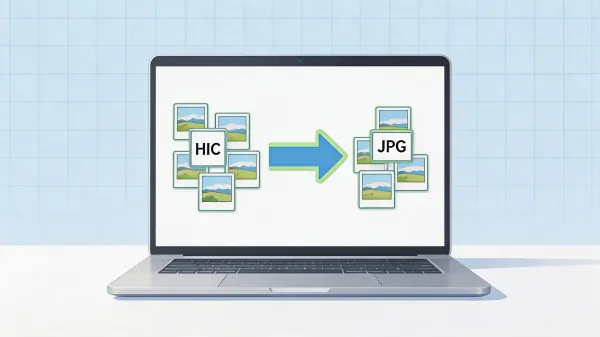
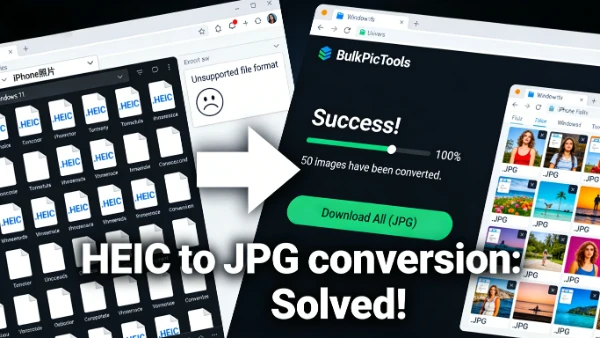
iPhone photos won't open on Windows? Convert HEIC to JPG free in your browser — bulk convert 200+ files, no upload, no software, 100% private. Works on Windows 10 & 11.
Say goodbye to server uploads. Introducing BulkPicTools, the local-first batch image processor powered by WebAssembly.