
2026 Image Conversion Guide:Why Your Website Still Loads Like a Turtle
Stop wasting bandwidth. Convert your images to modern formats locally and boost your SEO scores instantly.
Let’s talk about that "Lighthouse" score
You know the drill. You run a speed test on your website, and Google screams at you in bright red text: "Serve images in next-gen formats."
Actually, I see this all the time. People spend thousands on SEO experts but keep uploading heavy 5MB JPEGs to their homepage. In 2026, that is basically digital suicide for your rankings.
The fix is usually just a few clicks away in an Image Converter, but most people are afraid they will lose quality if they switch to WebP or AVIF. Let me tell you: that fear is a bit outdated.
Stop using PNGs for everything (Seriously)
I see this mistake daily: a beautiful hero image on a homepage that is a 3MB PNG. Why? "Because I wanted it to be high quality."
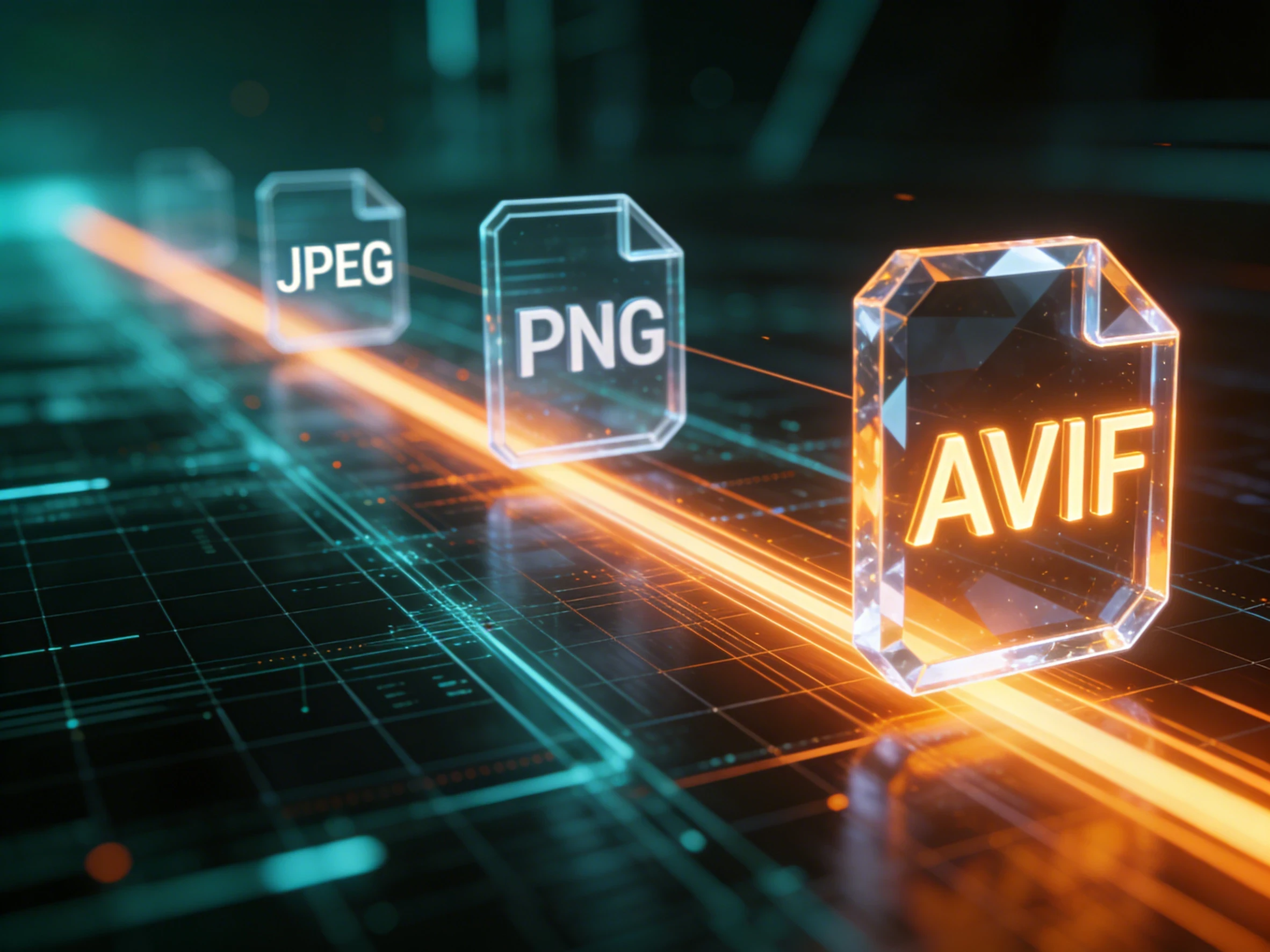
Here is the hard truth: PNG is a lossless format designed for graphics with flat colors and sharp edges, like logos. When you use it for a photograph, you are just storing massive amounts of redundant data that the human eye can't even perceive.
By using our converter to switch that photo to a high-quality WebP, you could drop the size from 3MB to 250KB without anyone noticing the difference. That is a 90% reduction in weight. Think about what that does for your mobile users on a shaky connection.
AVIF: The 2026 Performance King
If WebP is the standard now, AVIF is the performance ceiling for 2026. If you haven't tried it yet, you are leaving speed on the table.
Technically speaking, AVIF uses the AV1 video compression standard to squeeze images into impossibly small files. In my own tests, an AVIF file at 50% quality often looks better than a JPEG at 80% quality, while being half the size.
The only "catch" used to be that it was slow to encode. But that is why we built our converter to use multi-threaded browser processing. Instead of waiting for one image to finish, we utilize all your CPU cores to crunch through a batch of AVIFs. It feels like a cheat code for web dev.
Technical Insight: According to the Google Official Web Performance Docs, switching to modern formats like WebP or AVIF is one of the single most effective ways to improve your Core Web Vitals.
Why "Local Conversion" is a Quiet Revolution
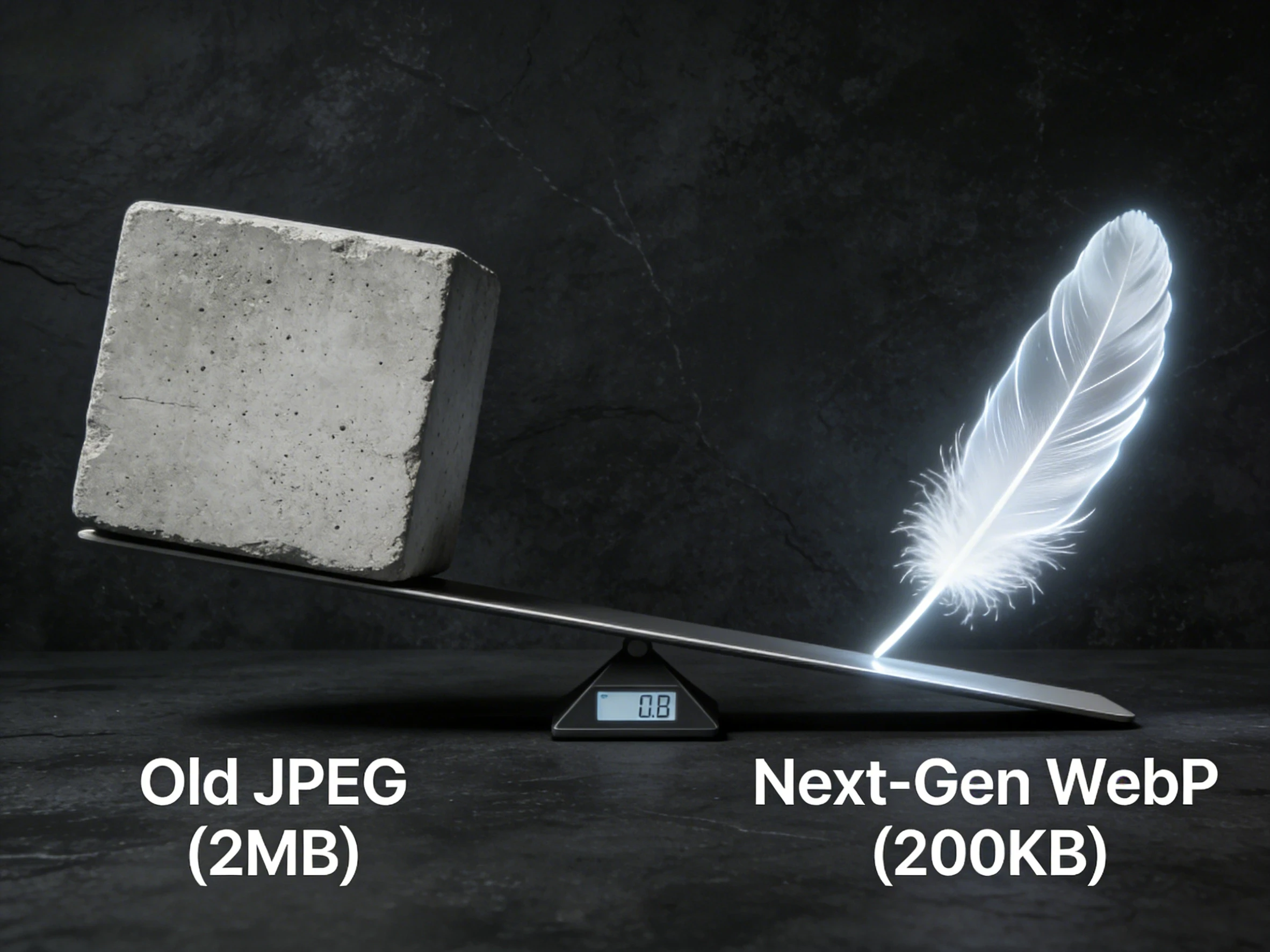
You have probably seen dozens of online converters. But have you noticed how they always make you wait? You upload, they process on their server (while looking at your data), and then you download.
It is slow, clunky, and honestly, a bit sketchy for private files.
Our tool runs on WebAssembly, meaning the conversion logic happens inside your own browser.
Why I stopped paying for cloud conversion APIs
If you are a developer, you know the bills from cloud-based image services can get ridiculous. Every time a user uploads an avatar, you pay for a server to spin up and process it.
By moving that logic to the client-side with our tool, you are essentially getting "infinite" processing power for free. Your user's machine does the work. No server costs, no API limits, and zero latency from uploading to a third-party bucket. It’s not just a privacy win; it’s a win for your bottom line.
My "Workflow of Champions"
If you are a Shopify seller or a WordPress blogger, here is the routine I recommend:
- Source Capture: Shoot in the highest quality possible (even HEIC is fine).
- Batch Convert: Use our tool to swap them to WebP to drop the weight without losing the sharpness.
- Final Polish: If the photo is still 4000px wide, it is still too big. Use our Image Resizer to bring it down to 1920px.
It sounds like an extra step, but once you see your site load in under a second, you won't go back.
A final thought
At the end of the day, your visitors don't care about the file extension; they care about their time. Don't make them wait just because you were too lazy to swap your JPGs for something better.
What do you think? Is it worth sticking to the old ways just because it is familiar, or are you ready to give your site the speed boost it deserves?
👉 Start your bulk conversion now
FAQ
1. Is AVIF supported by all browsers in 2026?
Pretty much. All major browsers (Chrome, Safari, Firefox, Edge) have solid AVIF support now. For the rare 1% of users on legacy systems, most CMS platforms provide a fallback to WebP anyway.
2. Does batch converting hog all my computer's RAM?
Actually, we handle this pretty intelligently. Our tool manages memory by processing images in a "pipeline," so even if you drop in 500 photos, your browser won't crash.
3. Is local conversion really faster than cloud?
Absolutely. You save the time it takes to "upload" and "download." For a modern computer, the actual processing time is usually much shorter than the time you would spend waiting for a server to respond.
Have questions or feedback? Contact